Title here
Summary here
November 6, 2026 by Jeff6 minutes
Upgrading an old PHP application can be a frightening task. Often there’s many years — if not decades — of code hacks of varying quality, few or no tests, no way to definitively confirm an upgrade worked… if you’ve been there you know what I’m talking about!
Then came PHP2Shell: a pair of unauthenticated remote code execution bugs serious enough for emergency patches. The fixed releases only went to PHP 8.2 and up. On 7.4 you’re left with building a source backport yourself, or whatever your host offers. A nasty reminder that leaving that old stuff alone was never a safe option.
The good news is that moving it no longer needs to be the frightening task it once was. Enter Indigo v2, a native Mac app that runs PHP, Apache, MariaDB and Mailpit directly on your Mac, with a command-line tool your coding agent can drive. Together they can make this job, dare I say it, fun!
Let’s dive into the quick example.
It’s still running in production — so let’s upgrade it! We’ll start with:
.sql file containing a database dump for the siteSo as you know, PHP 7.4 has been EOL for years. It’s properly old, and Drupal 7 is twice as old as that. Of course rebuilding the system is the right answer, but the boss says not yet.
Firstly, some background for this post: we’re using a fake D7 site, a throwaway VM running macOS 15 and Claude Code, and the free version of Indigo v2. The prompts I used are included below.
Claude prompt:
This folder has an old Drupal 7 site (riverside/) and its database dump (riverside-db-2026-11-04.sql). It ran on PHP 7.4 on the old host. Get it running locally in Indigo.
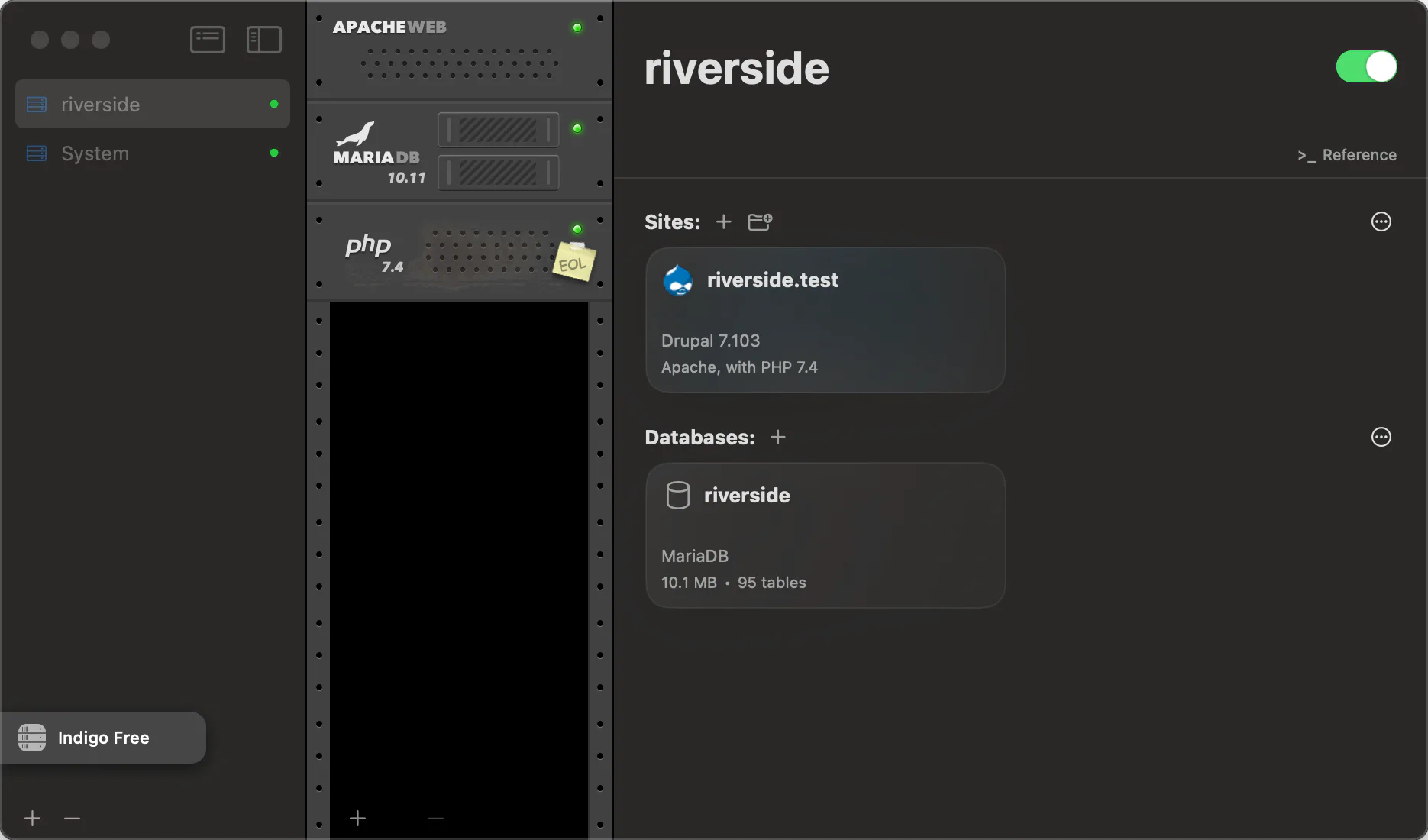
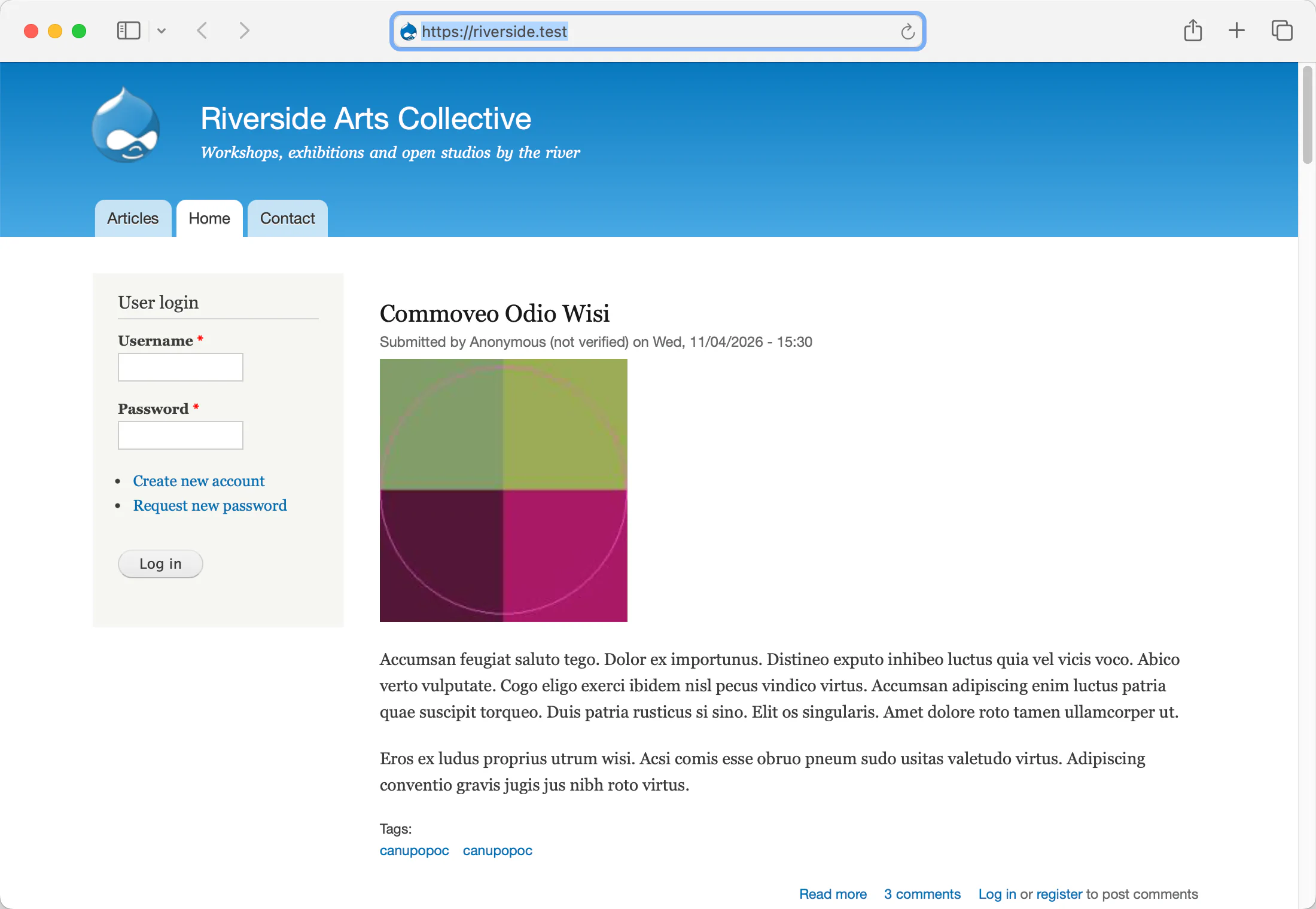
Just under 5 mins later Claude has created a new stack in Indigo, and added PHP 7.4, Apache, and MariaDB 10.11, imported the DB dump, configured Drupal, and got the site running in the browser at https://riverside.test. Your coffee break was never so exciting, and we’re only getting started.
Claude prompt:
Now try it on PHP 8.3 and tell me what breaks. Keep the 7.4 site running: set up a second site with the same code and its own copy of the database, on PHP 8.3, so I can load both side by side. Then compare them: check that key pages, public and logged-in admin, are identical; compare error counts and response times; and confirm the contact form email arrives from both, submitting it as “Test from PHP 7.4” and “Test from PHP 8.3”. Tell me what broke before you fix anything.
Yes, that’s a fairly specific request. But usually someone knows what the basics of your old system were supposed to do, so capture as much of that knowledge as you can in your agent request to give it some idea what to test.
22 minutes later, Claude had:
https://riverside-php83.test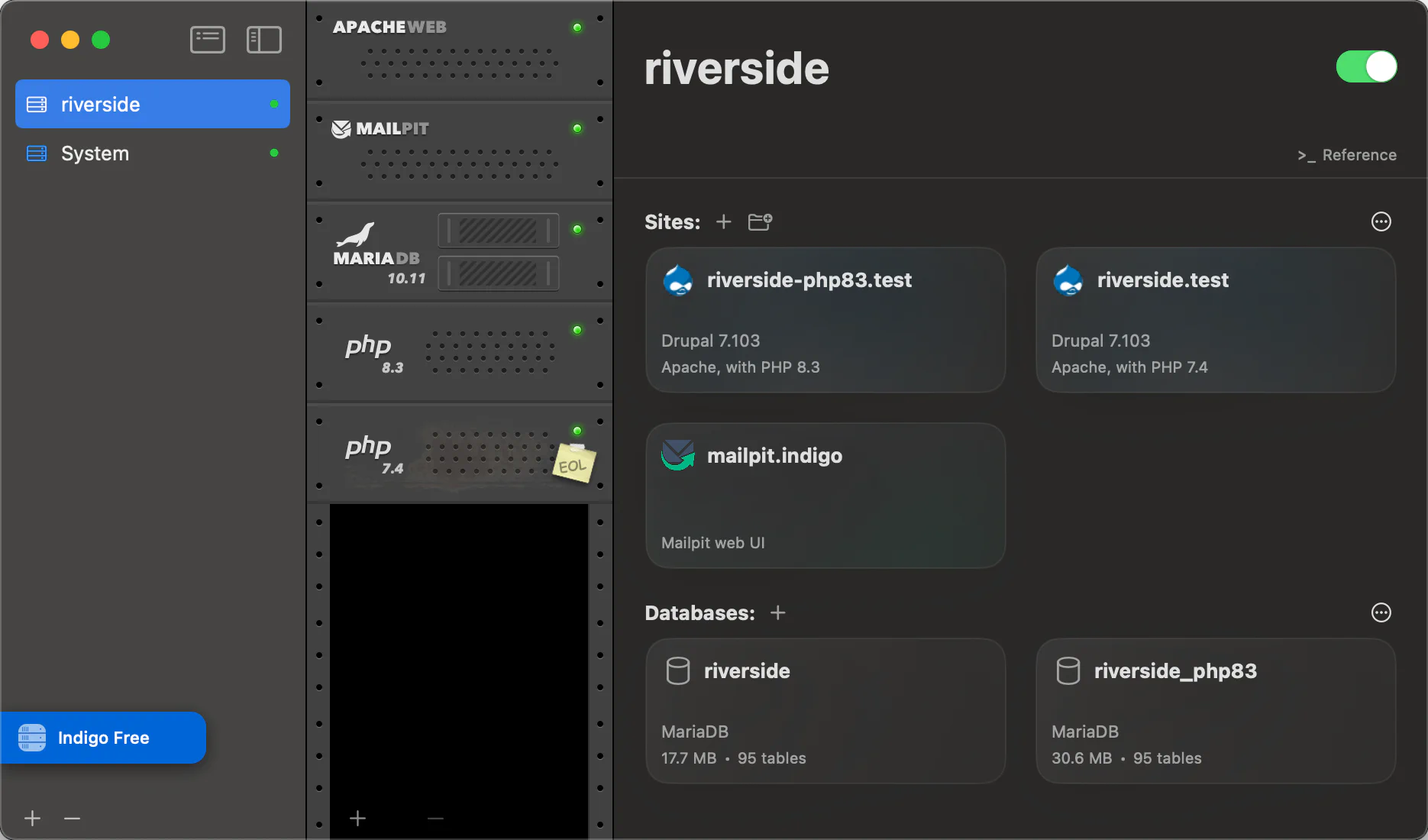
You can now load both sites in your browser, and compare them side by side.
Example findings:
Fatal error sent as HTTP 200
Some pages were completely broken yet returned status 200 (traditional checks might pass).
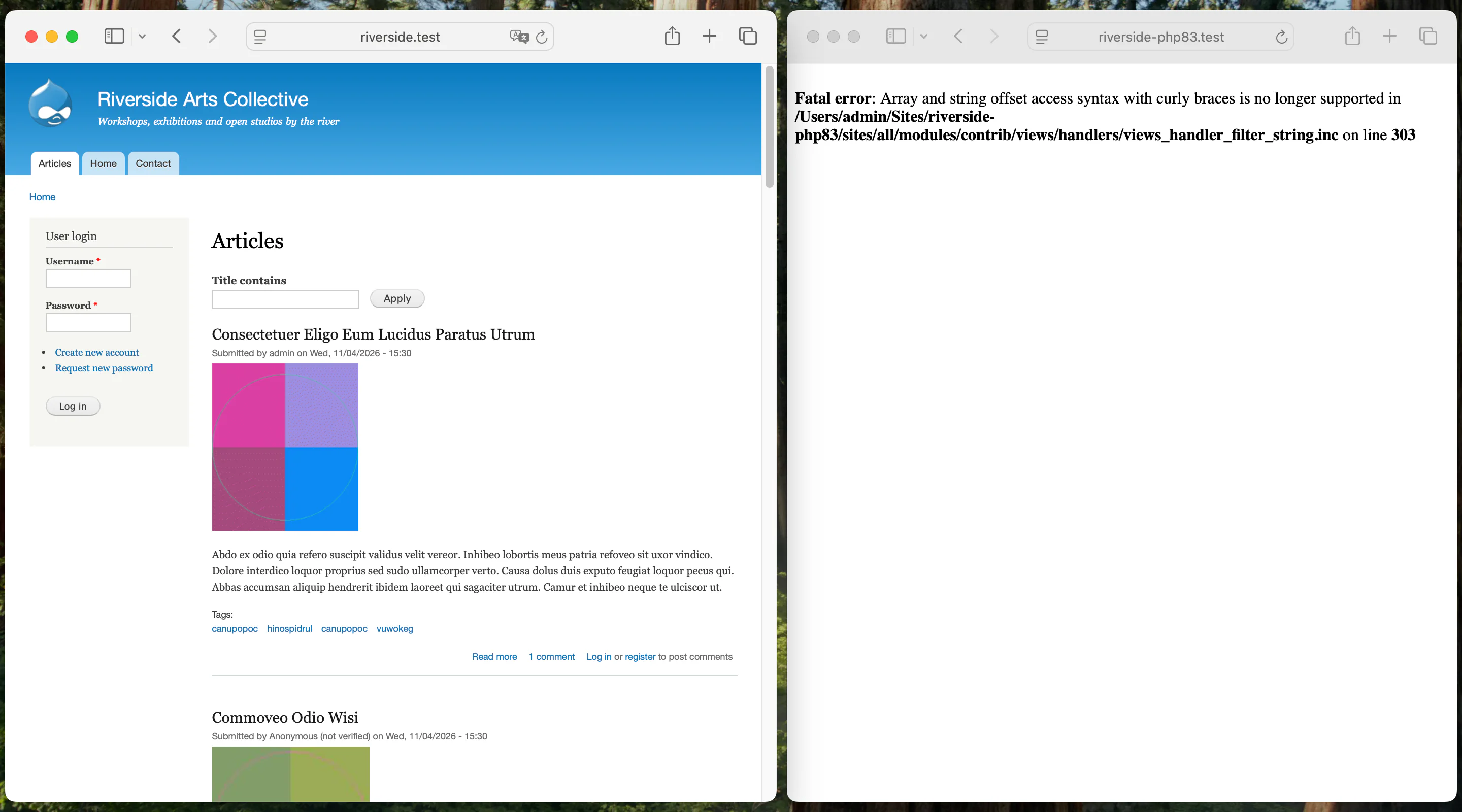
Fatal error: Array and string offset access syntax with curly braces is no longer supported in /Users/admin/Sites/riverside-php83/sites/all/modules/contrib/views/handlers/views_handler_filter_string.inc on line 303Blank emails
A prime candidate for a nasty surprise the day after rolling out an upgrade to production… emails from the contact form are sending blank! The visitor still gets a thank-you and the submission still saves, so nothing looks wrong.
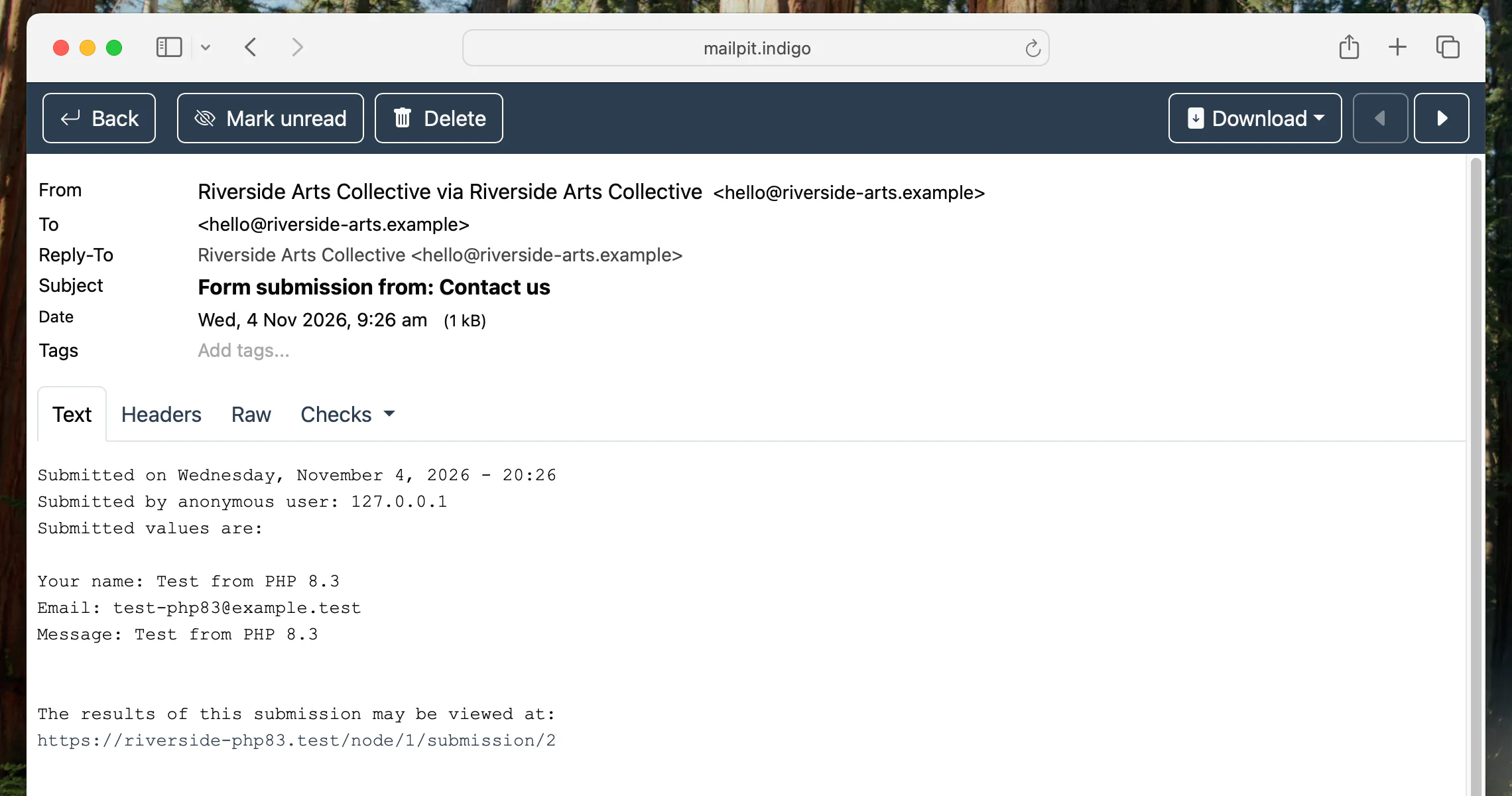
Claude found this one, thankfully, because in both sites it was able to a) fill in the contact form and b) check Indigo’s Mailpit to confirm they got sent.
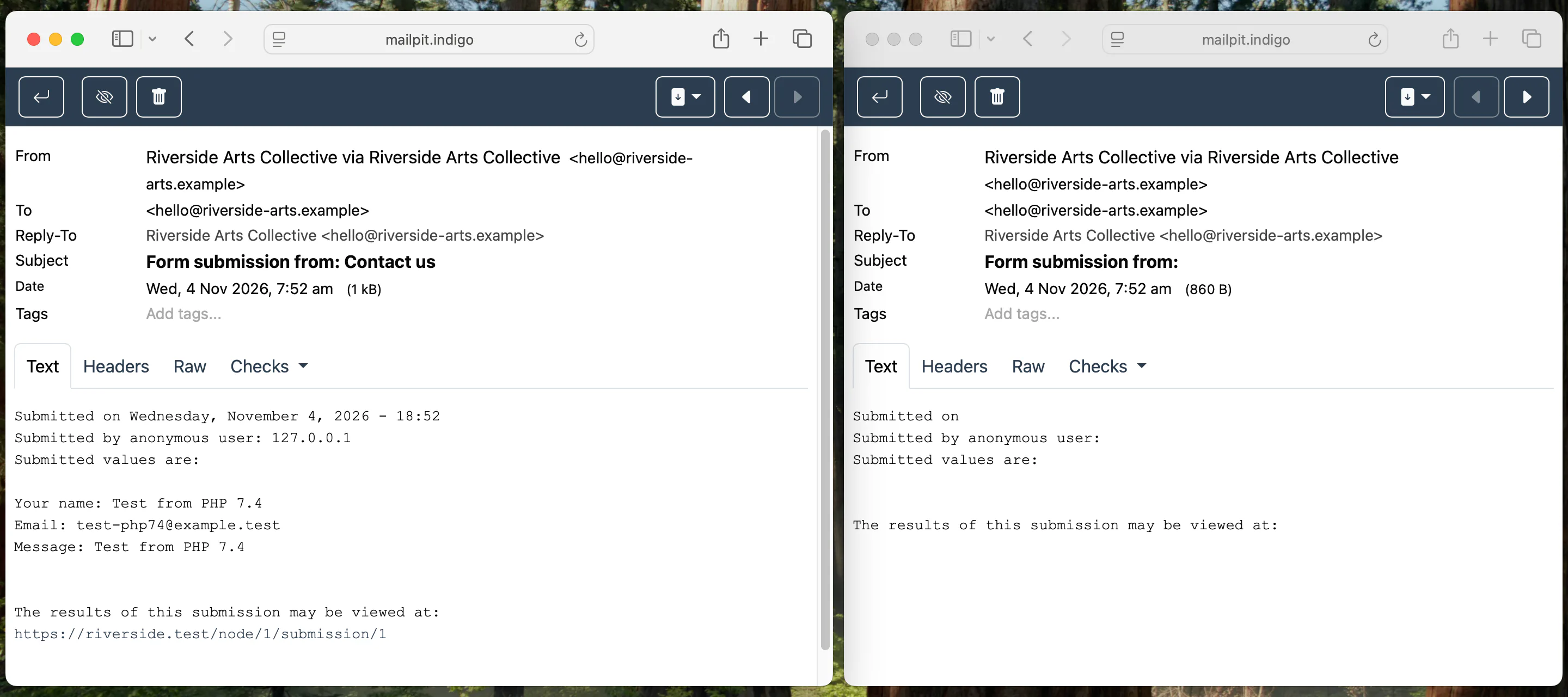
What it actually found? On PHP 8.3 Drupal cached an empty hook_info list, so the system, node and webform tokens never loaded. Claude was able to compare the working site (PHP 7.4) to the broken one (PHP 8.3) in order to quickly isolate the cause. So good, having both running locally, and both fully accessible to your agent!
Claude prompt:
Upgrade the modules (remember, never patch contrib or core): find the PHP 8.3-compatible releases and update to those, on the 8.3 copy only. Then re-run the same comparison and tell me what is left.
16 minutes later, Claude had updated nine contrib modules, run four DB updates and run the earlier tests again, checking Drupal’s watchdog logs throughout.
| PHP 7.4 | PHP 8.3 before | PHP 8.3 after | |
|---|---|---|---|
| PHP fatals | 0 | 39 | 0 |
| PHP entries in Drupal’s log | 0 | 20,487 | 0 |
| Errors shown on screen (one pass of all 50 pages) | 0 | 1,767 | 0 |
| Pages returning only an error | 0 | 3 | 0 |
| Contact email complete | Yes | No, blank | Yes |
Now, watching that made for an exciting second cup of coffee. And only 38 mins since your first cup.
Having both sites running side by side seemed a good opportunity to poke, so I ran some comparative performance tests (about the same, if you’re wondering) and so forth — I can’t help myself — but it doesn’t make for good reading so I’ll move on.
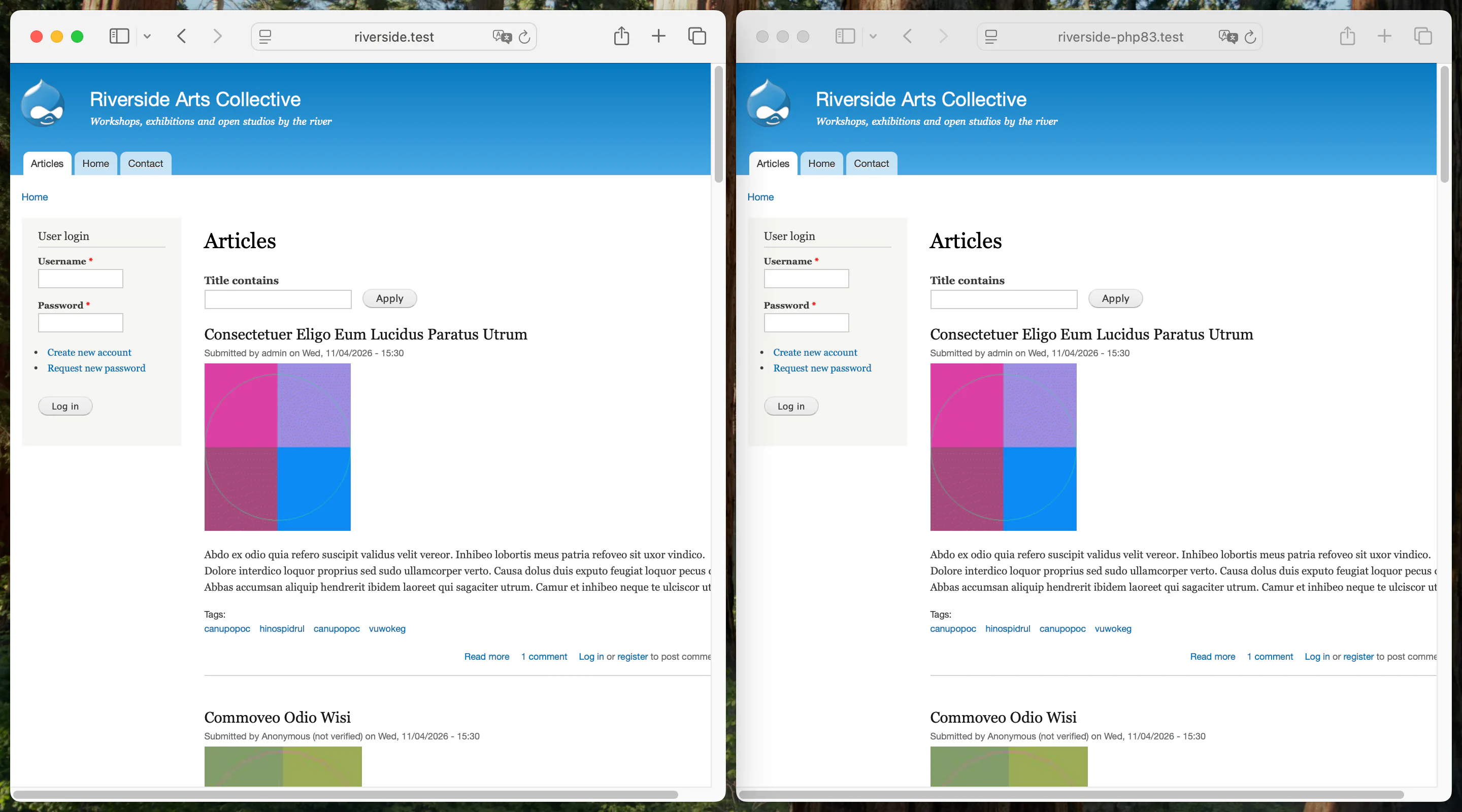
I won’t claim miracles. The admin menu lost a bunch of links in the PHP 8.3 version — but the tests surfaced it clearly and Claude found that a different module version fixed it.
The point being that having both run side by side—especially this easily and quickly—meant I could automate the task of finding the differences, giving me time to judge whether each matters.
A word of caution: this exercise got the site running on PHP 8.3, but Drupal 7 and these modules still get no security fixes, and none of the modules used claim PHP 8.3 support. There’s also loads I didn’t test. Don’t get me wrong. The rebuild still needs to happen asap. Tell the boss!
As you can see, setting up old and new simultaneous versions of any PHP site you have lying around is easy with Indigo v2 and your favourite coding agent. No messing around manually, creating databases, importing dumps, configuring two copies of Drupal accordingly, or checking emails by eye.
And all this ran on the free version of Indigo, which allows up to 5 sites and 5 databases. Download Indigo