Title here
Summary here
The biggest release in Indigo's history. Your coding agent becomes a first-class citizen, the Stack Wizard knows seventeen frameworks, and dumping a database is now a drag-and-drop.
For Apple silicon Macs • macOS 15 Sequoia or later
Free to download. The Free plan serves five sites and five databases. Indigo Pro has no limits.
Indigo 2 auto-generates a DEV-ENVIRONMENT.md file for each of your projects, describing that stack's services and exact versions — so Claude Code, Cursor, Codex and other coding agents stop guessing at your setup and start using the right binaries, first time, every time.
No more agents reaching for the system PHP, connecting to the wrong port, or running someone else's MySQL. Your coding agent reads the brief and gets on with the job.
Indigo speaks Laravel, WordPress, Drupal, Statamic, Craft CMS, Symfony, Joomla — and ten more — fluently. The new Stack Wizard recommends services and versions tailored to each framework, right down to the framework version: a legacy Drupal 7 site and a fresh Drupal 11 build each get the stack they actually need. It suggests the optional extras too: Redis and Mailpit for a Laravel app, say, one tick each.
ProAdd a watched folder and your projects appear automatically, framework detected, stack suggested. Drop it in, and Indigo does the rest.
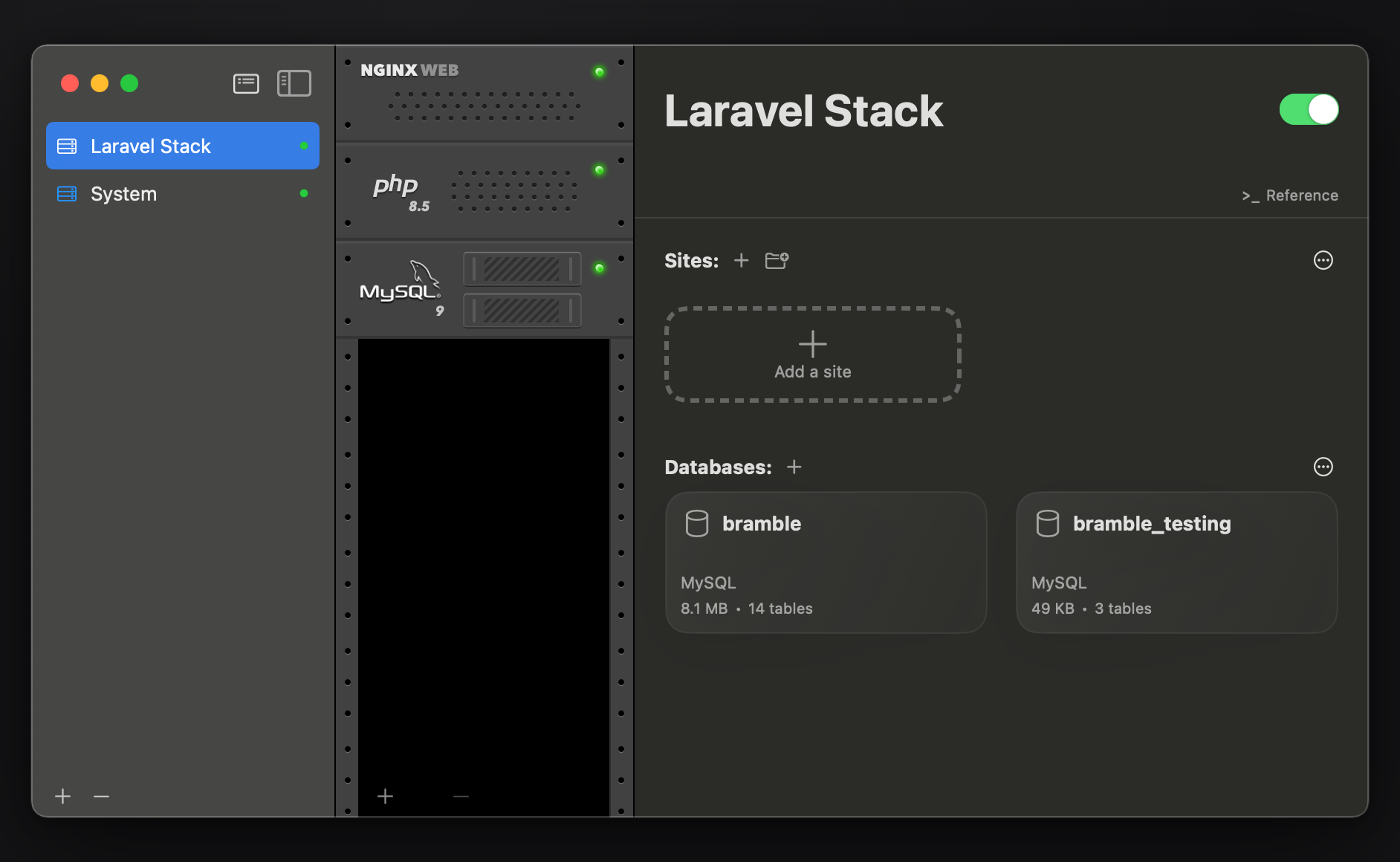
See every database across all your stacks in one place. Exporting a database? Just drag it to your Desktop — that's all there is to it. Prefer a GUI? Open any database straight into your favourite tool: TablePlus, Sequel Ace, take your pick.
Creating, renaming and exporting databases all happen right in the app, no command line required. And MariaDB 10.11 joins the rack, with optional MySQL-compatible command aliases so your existing mysql and mysqldump scripts keep working, unchanged.
Indigo 2 is packed end to end. A few more favourites:
Indigo 2 gets a new stack running 3.6× faster than Indigo 1, and starts existing stacks twice as fast.
Median of five runs: Nginx + PHP 8.3 + MySQL 8 stack, M1 MacBook Air, macOS 15.
Your stacks, one tab away. Open indigo.localhost in any browser to see every stack and site with live status — start, stop, and jump into a project without leaving the browser.
Every stack gets its own cheat sheet: the commands, ports and paths for that stack's services, all in one sheet. No more digging through config to find a port number.
Every service's logs, live-tailed inside the app — access logs, error logs and process output side by side, with new-line badges. Built to chew through 100 MB log files without breaking a sweat.
Refined from rack to preferences, with a refreshed app icon that's right at home on the latest macOS. Sharper, clearer, and quicker to get around.
Every service runs on real, standard config files. Browse them in the app, pop one open in your editor, and layer your overrides on Indigo's defaults — or ask your coding agent, it'll know exactly what to do.
Indigo 2 requires macOS 15 Sequoia or later (including macOS 27 Golden Gate), on an Apple silicon Mac.
Either way, we'd love to hear about it.